
Product Guide
LinkBook features, explained
LinkBook is designed to capture links fast and make them useful later. This walkthrough shows how saving, Smart Cards, and Reader mode work together to keep your library clean.
What you’ll learn
- How to save from any app in seconds.
- How Smart Cards summarize key details.
- Where to find info, actions, and reader mode.
- How offline reading works once content is fetched.
Save instantly from any app
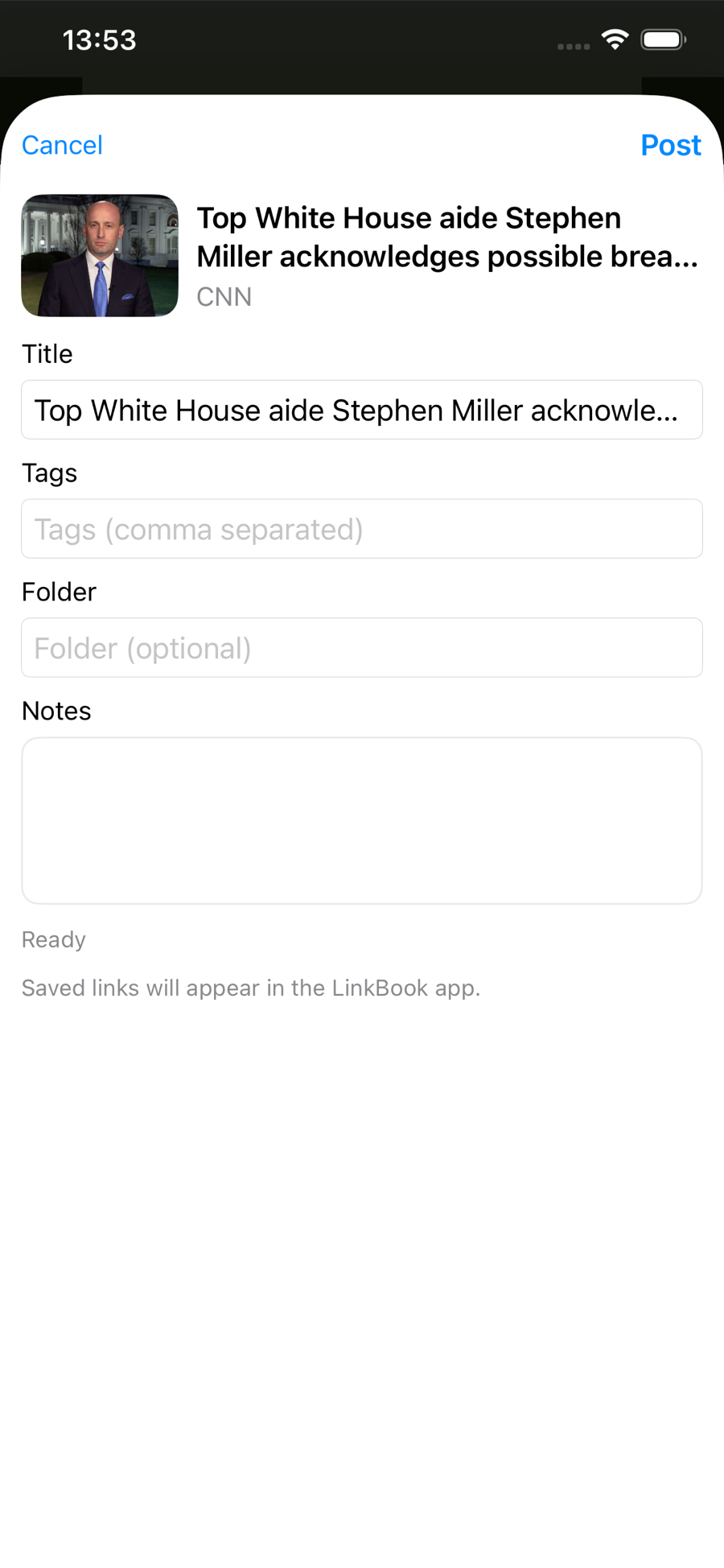
Use the iOS Share Sheet to send any link into LinkBook. Add a title, tags, or a folder right away — or just tap Post and keep moving. The link appears in your library immediately.
The info view is your control center
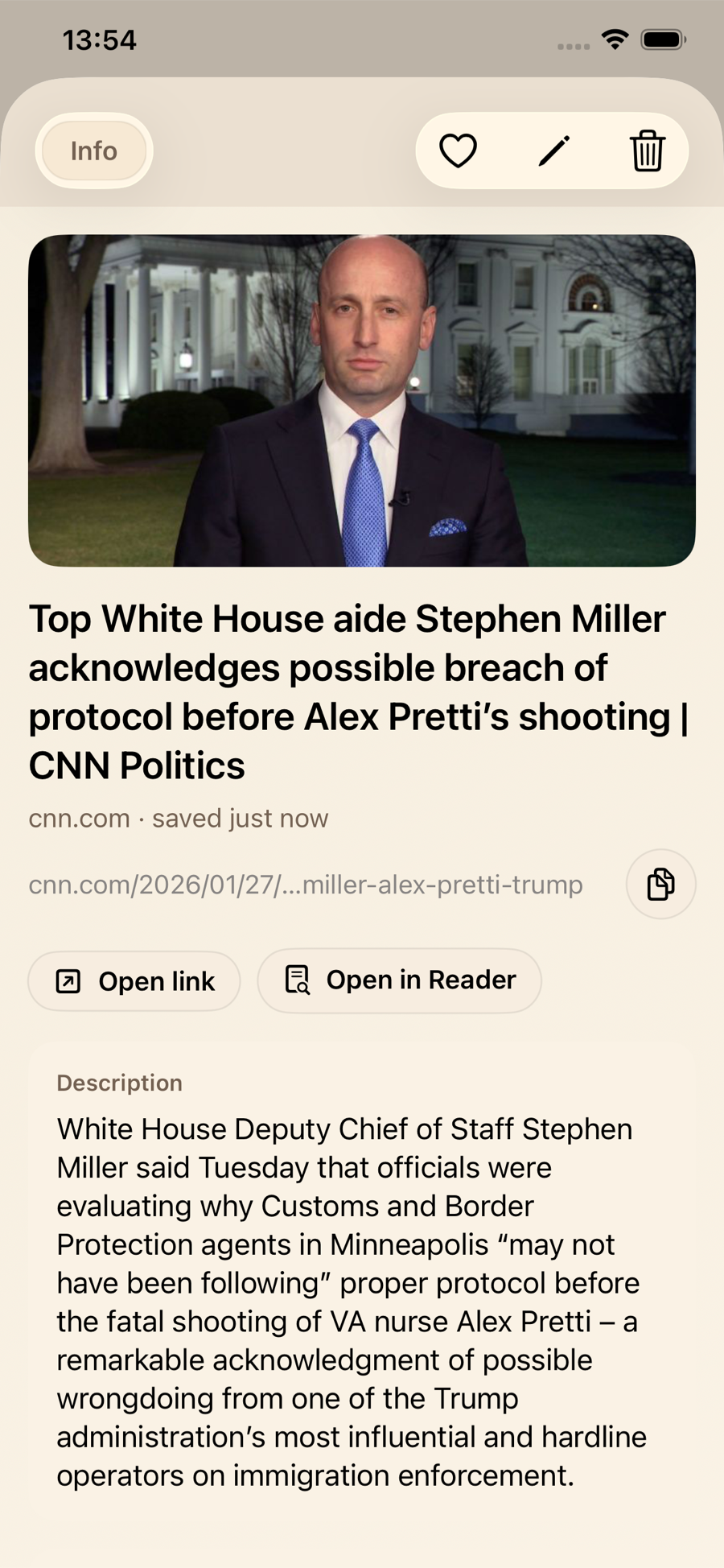
Tap any link to open the info view. You’ll see the preview, metadata, and quick actions to open the original page or switch to Reader mode when you want a clean reading experience.
Reader mode for focused, offline reading
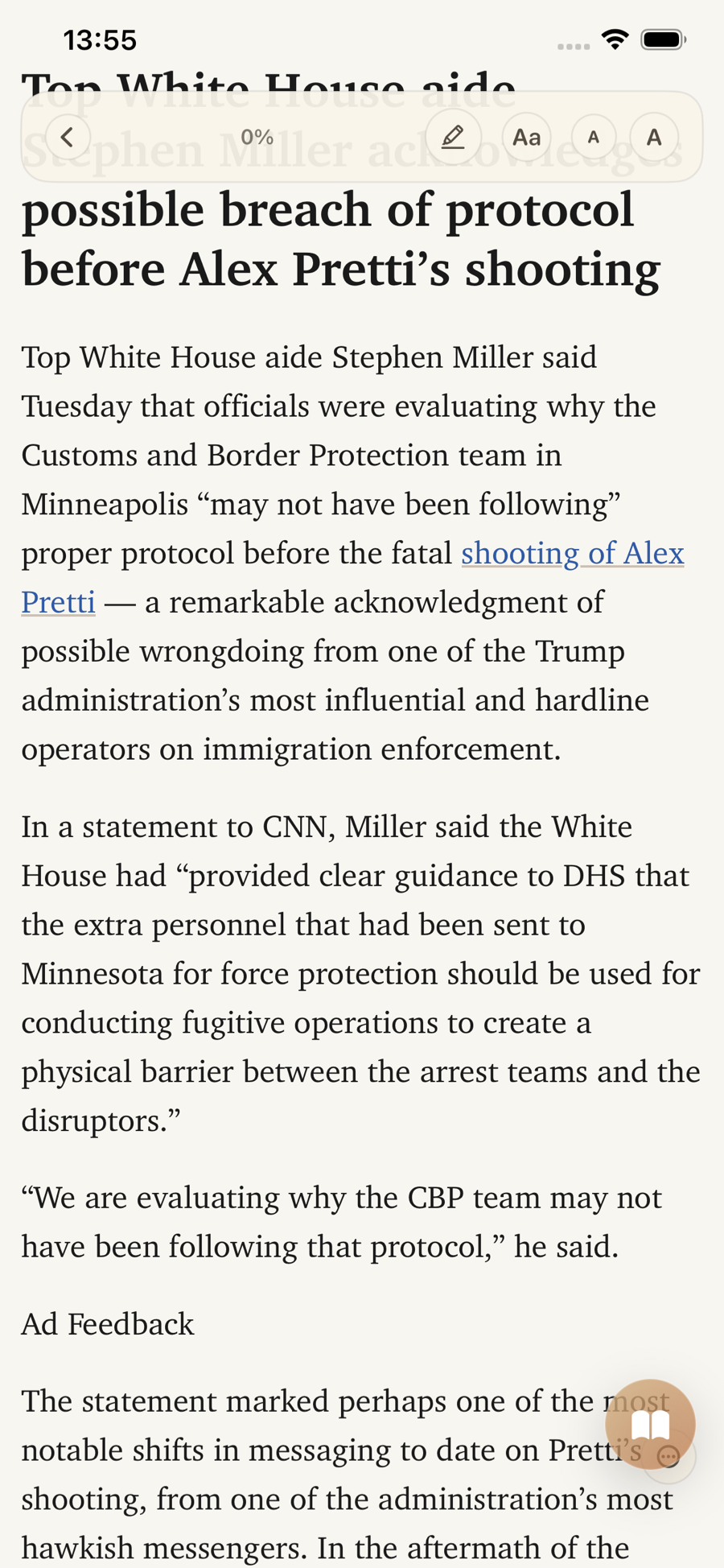
Reader mode extracts the text and removes distractions. Once fetched, your content can be read offline — perfect for long reads, flights, or commutes.
Smart Cards surface the details
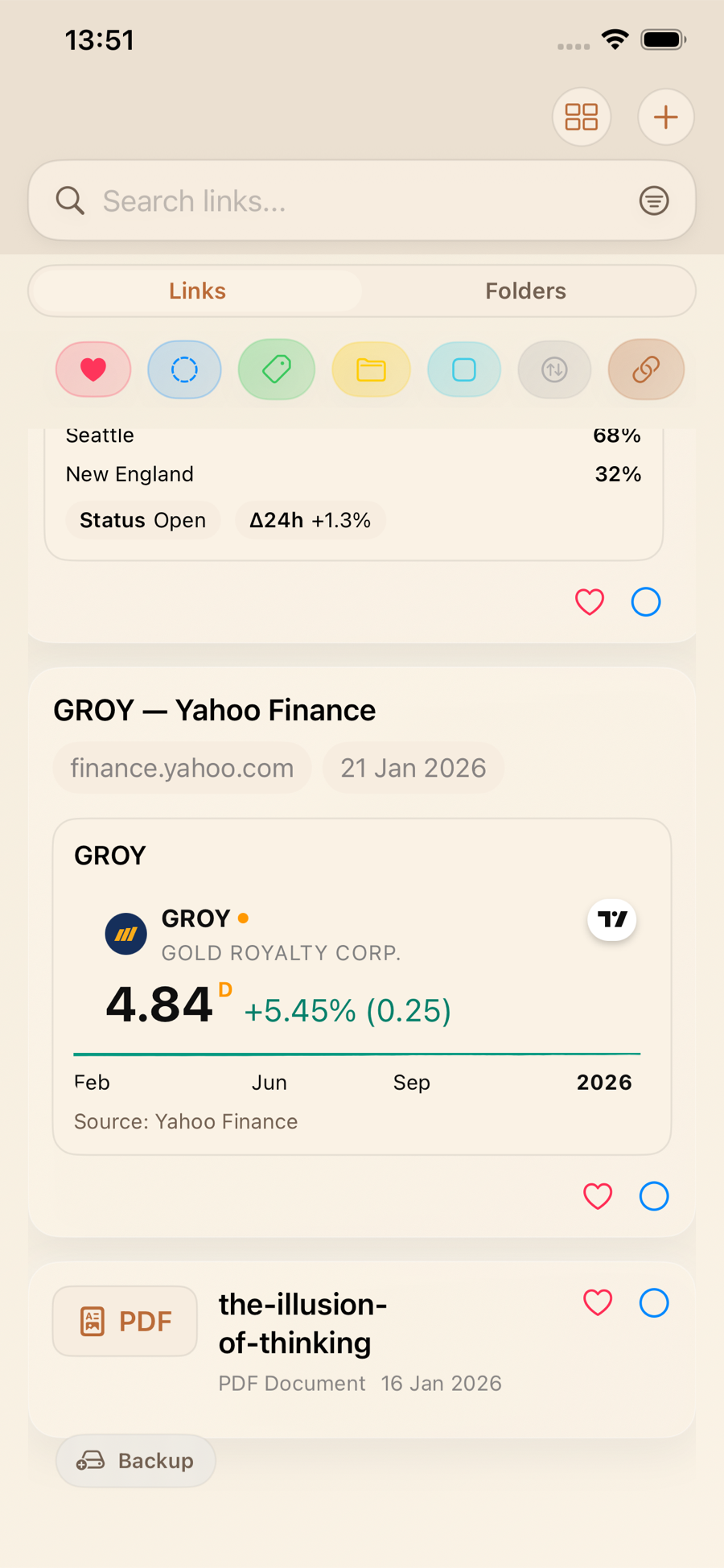
Smart Cards turn saved links into rich previews. For example, a Yahoo Finance page shows stock performance right in your list — so you can scan and decide without opening every link.
- Spot key facts faster.
- Reduce tab overload.
- See the signal before you tap.
Key takeaway
LinkBook replaces scattered bookmarks with a clean, searchable library. Save fast, scan Smart Cards, and read in Reader mode — all in one place.